
Creating a Template
You can now share projects created on our platform with other NS teams. This allows you to track the performance of every project generated from your template.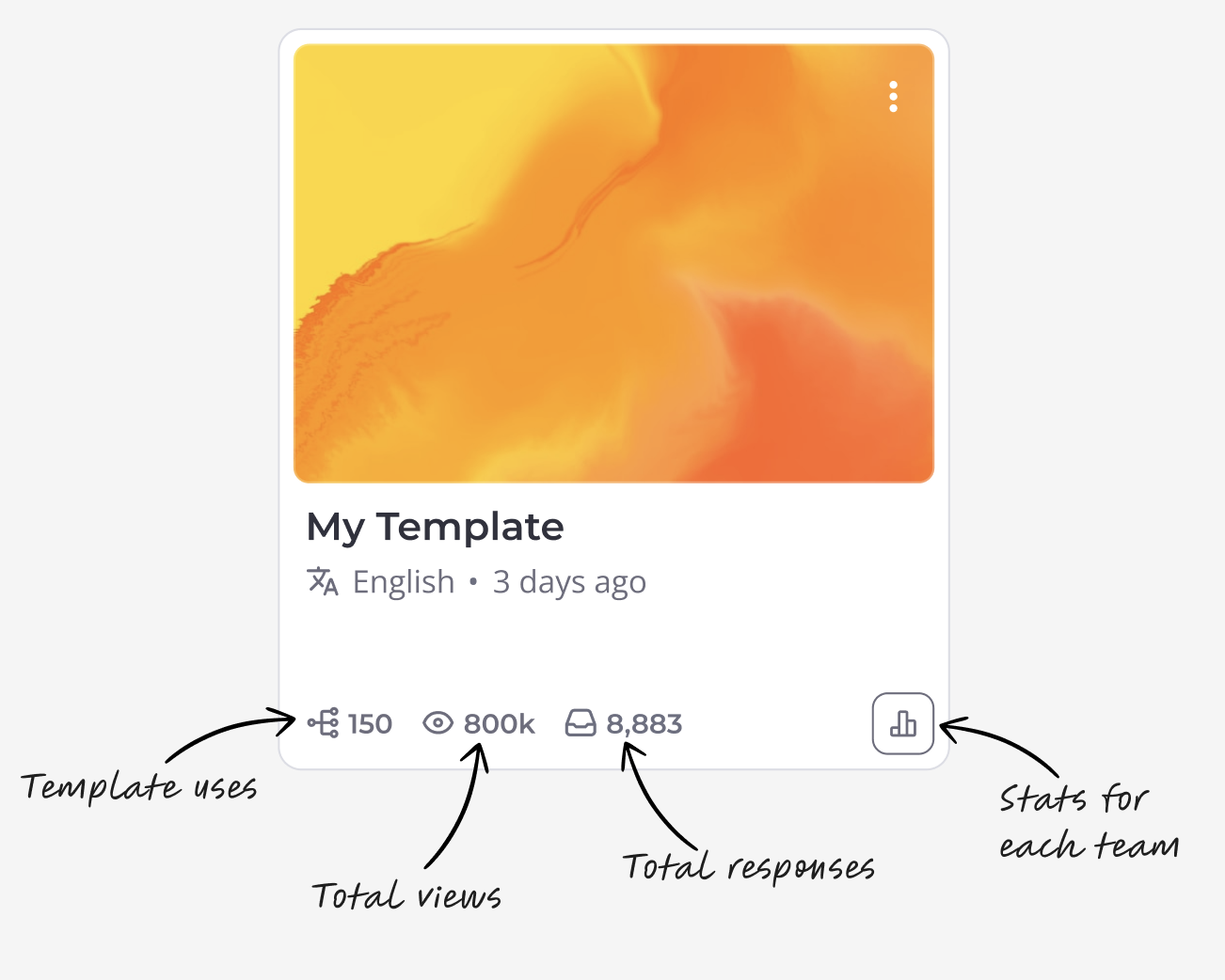 How to create your first template
 How to create your first template
- Click on the three dots (More Options) on your project.
- Select the Make Template option.
 How to share your template
- Click on the three dots on the template card.
- Select the Use Template option.
- Select the team you want to share the template with.

How to track custom interactions
You can track more than just views and responses. To track specific button clicks, video views, or card visits, you must tag those elements as "trackable."
- Edit the template.
- Click on the specific block or card.
- Open the Tracking Property section.
- Select a name for this event to identify it in your data.

After your shared projects generate activity, you will be able to see the statistics for your selected events in a detailed table.
